
Midnight Shrine (Beta)
A downloadable game for Windows
WINDOWS ALPHA · 17 SEPTEMBER 2026
Three clues. One name. Get out.
A lantern, a journal, and something moving at the end of the hall. Midnight Shrine is a first-person ghost investigation game set in 1600s Japan.
Explore a haunted shrine with strange handmade instruments. Study the evidence, identify the ghost, and survive long enough to return to the carriage.
DOWNLOAD THE WINDOWS PLAYTEST ↓ · Latest update
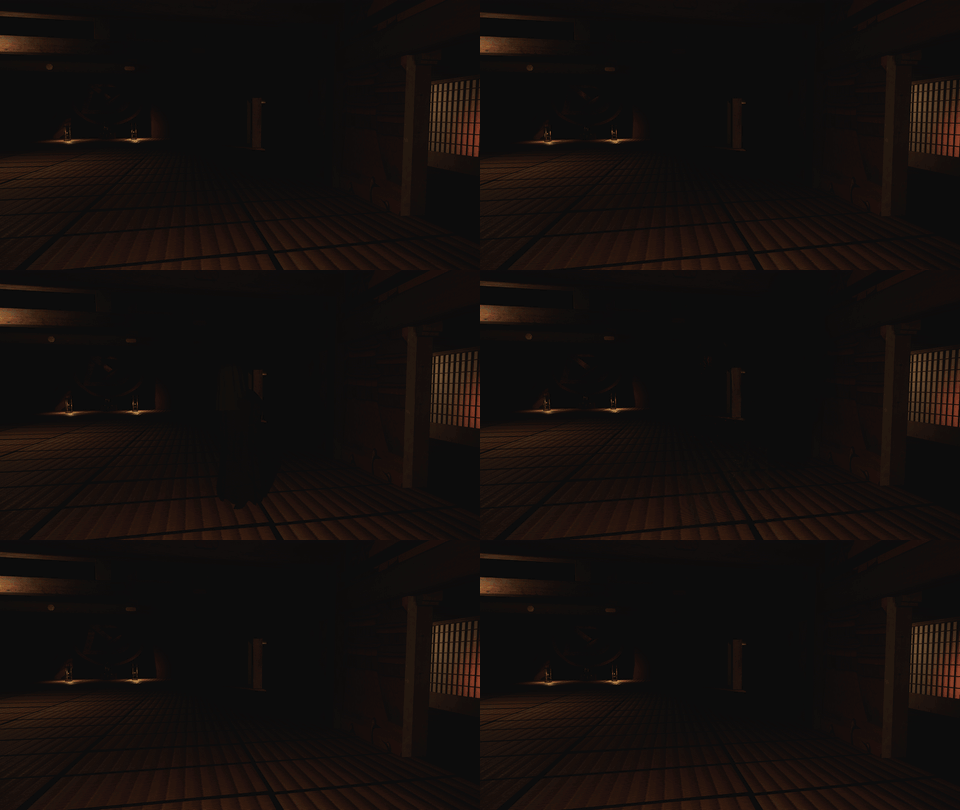
Listen closely. Look twice.
A moving needle. Frost across glass. Ink forming a shape. Not every disturbance is evidence, and not every encounter begins a hunt. Learn the difference before the lights go out.
Ghosts speak Japanese, with yellow English translations. Ask questions through the Spirit Box using your microphone or typed phrases.
The investigation kit
Six instruments. Three carried slots. Collect your tools from the carriage and choose what to take inside. Every basic instrument is supplied; the lantern has its own carry position.
EMF & Dew Lens
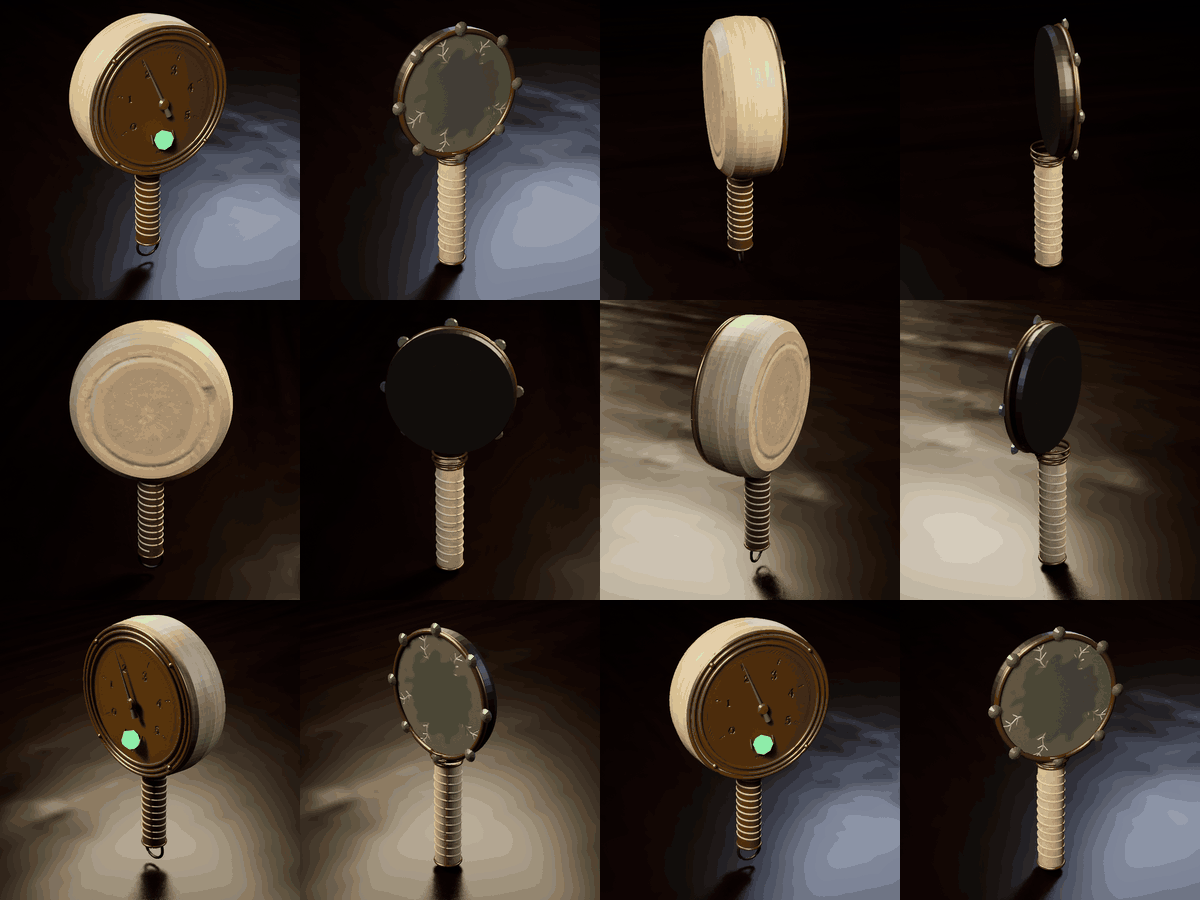
Follow the EMF's mineral-driven pointer from 0 to 5. Watch the Dew Lens for frost that returns. Compare readings across rooms.
Ink Basin & Mineral Trace Lens
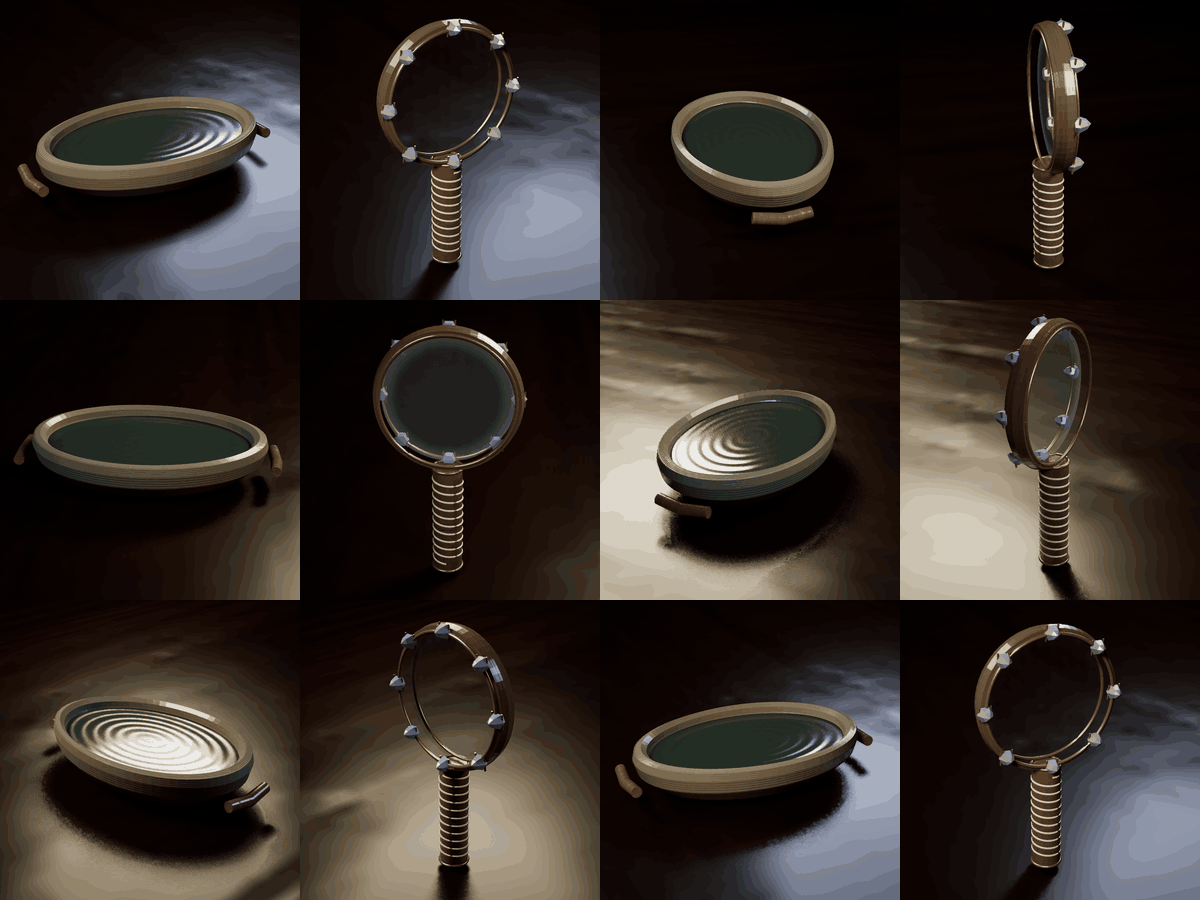
Leave the ink to settle, then return to see what has taken shape. Sweep surfaces through the mineral lens for impressions left behind.
Ash-thread Frame & Spirit Box
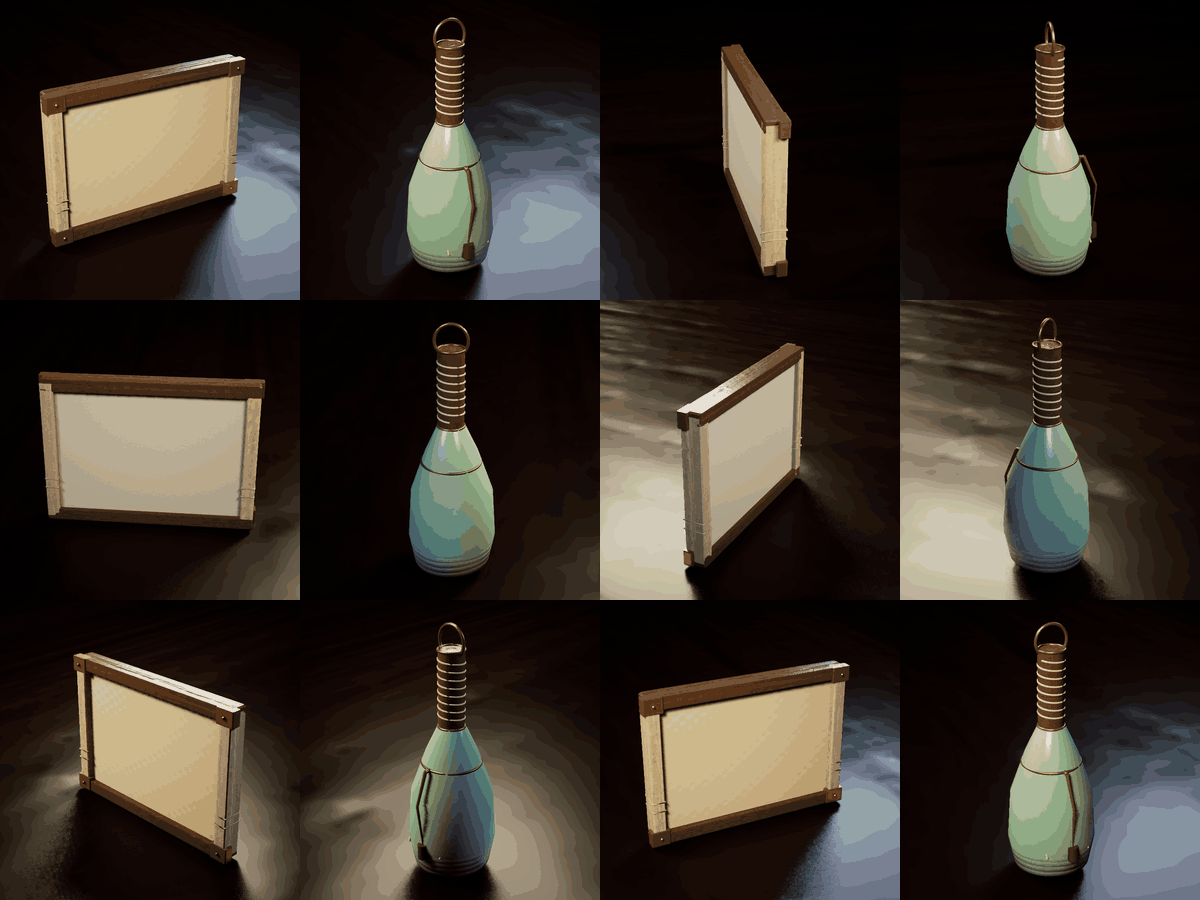
Study patterns in the ash. Ask a question through the handmade listening vessel, then pause for an answer.
Keep a flame beside you

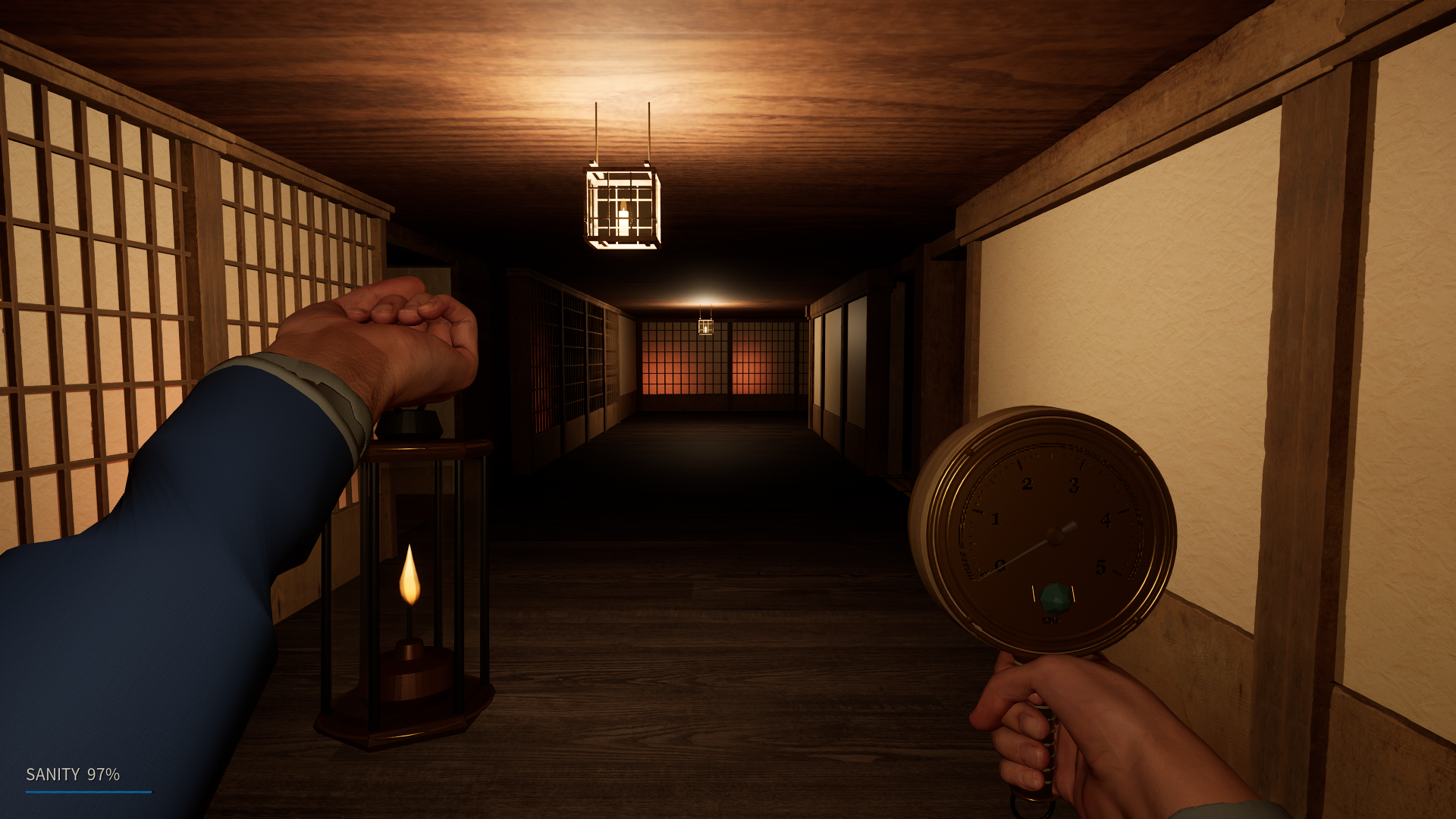
Carry the lantern in your hand or at your waist with Q. Use F for the flame. It leaves all three tool slots free, and its reactions can warn you that something is near.
360° views of the current in-game models.
Enter The Corridor
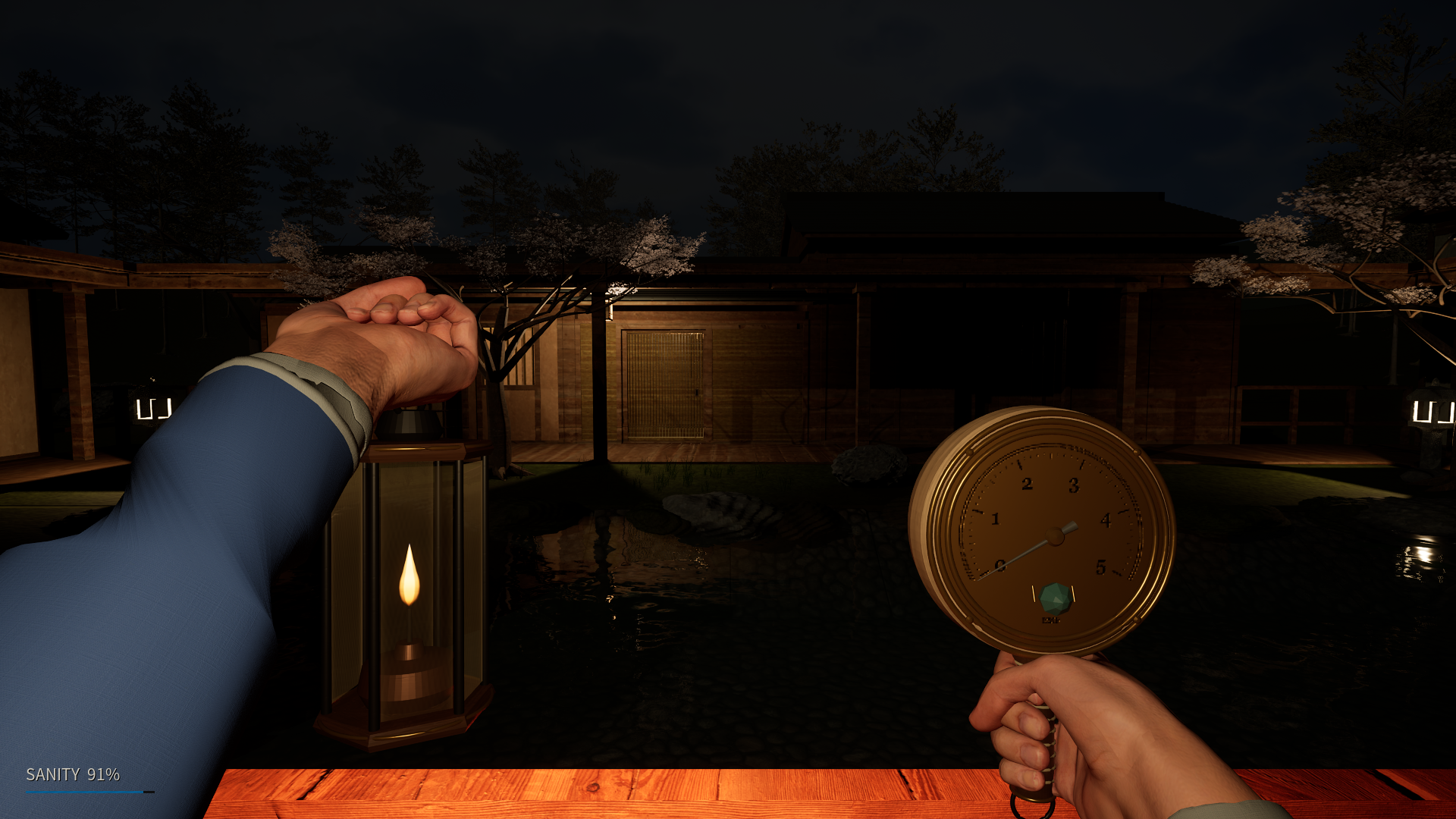
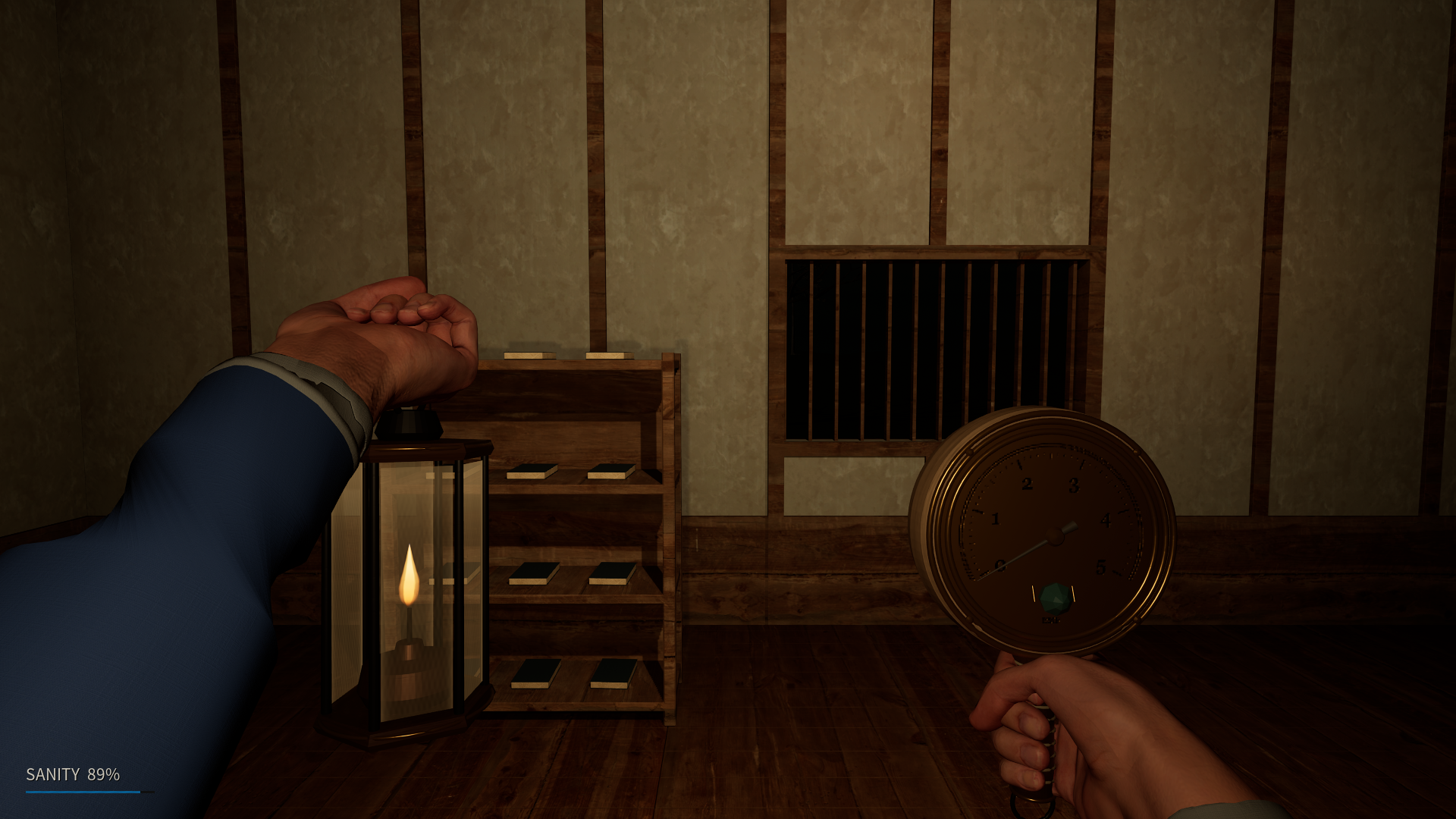
Wooden galleries, quiet rooms, gardens, and courtyards. Explore the playable shrine, gather three confirmed evidence types, record your conclusion in the journal, and extract at the carriage.
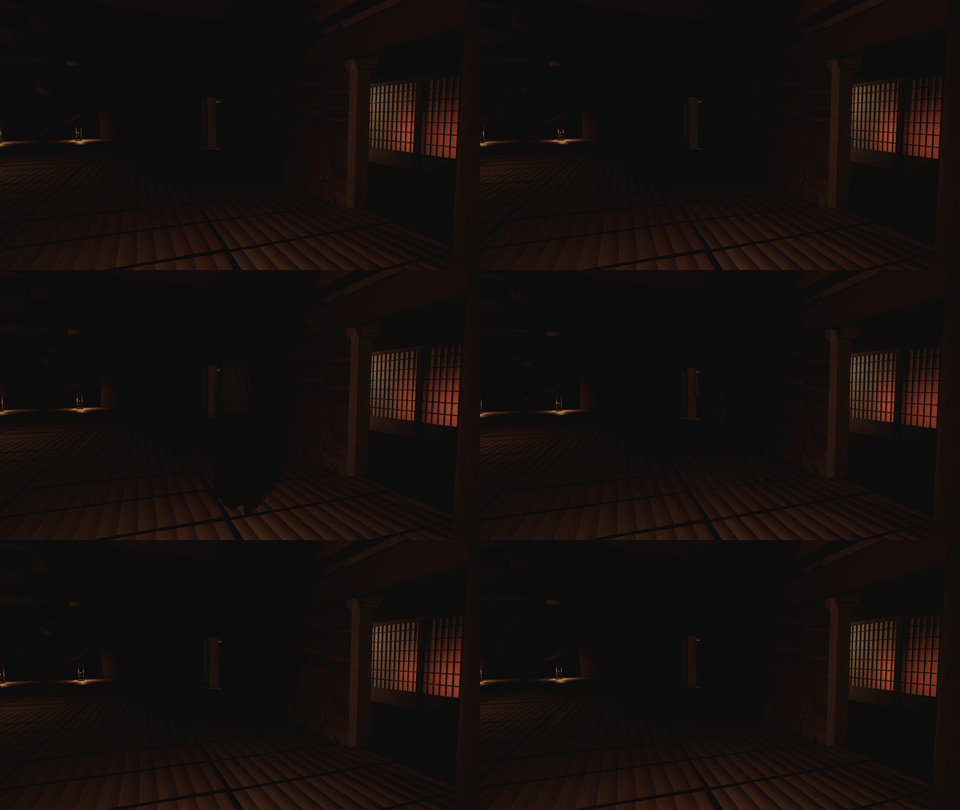
In-engine scare previews. Encounters are spaced out during play.
Play the alpha
Current build: 2026-09-17-R1. Includes the waist lantern, updated dropping controls, and the latest audio and scare fixes. The Corridor and tutorial are available. Other locations are still in development.
| E | Interact / collect equipment |
| 1–3 / mouse wheel | Switch carried tools |
| Right mouse | Operate the held instrument |
| T / G | Place equipment / drop equipment |
| Q / F | Lantern hand or waist / flame |
| J / slash | Journal / type a question |
| Esc | Settings and microphone options |
Download the ZIP below, extract it into a new folder, and open Play Midnight Shrine.cmd. Try the tutorial first. Full controls and setup are in READ ME FIRST.txt.
Windows 10/11, 64-bit. Requires a DirectX 12 / Shader Model 6 capable GPU. Steam and Unreal Editor are not required. Hardware requirements and performance are still being tested.
Multiplayer testing: everyone needs the same build. Hosting uses a direct connection with UDP port 7777; matchmaking and a relay are not included. Separate-PC sessions still need tester feedback. Microphone recognition uses a limited English question vocabulary; typed questions are also available.
Help shape the next update
This is an early alpha. Tell me what scared you, what felt confusing, or what broke. A short clip and the room or instrument involved are especially helpful.
Developed by DexideVFX · DXED Studios
Download
Install instructions
- Download the Windows playtest ZIP from the Google Drive page that opens.
- Right click the ZIP, choose Extract All, and extract everything into a new folder.
- Open the extracted folder and double click Play Midnight Shrine.cmd. Keep all included files and folders together.
- If Windows reports missing runtime components, run Prerequisites/UEPrereqSetup_x64.exe, then launch the game again.
- Try Tutorial first, then use the board at headquarters to begin an expedition.
Requirements: Windows 10 or 11, 64 bit, with a DirectX 12 / Shader Model 6 capable GPU. Steam and Unreal Editor are not required.
Updating an older playtest? Close the game and extract this version into a new folder. See READ ME FIRST.txt for transferring your saves and settings, full controls, and multiplayer setup. Everyone in a multiplayer group needs the same build.
Development log
Leave a comment
Log in with itch.io to leave a comment.